If the required advertising page is not in the drop-down list, or after connecting the Facebook advertising account you have access to new advertising pages, you will need to connect your Facebook account again through incognito mode in the browser.
To do this, follow these steps:
1. Check the availability of admin access to the desired advertising pages in your Facebook account.
2. Turn on incognito mode in your browser.
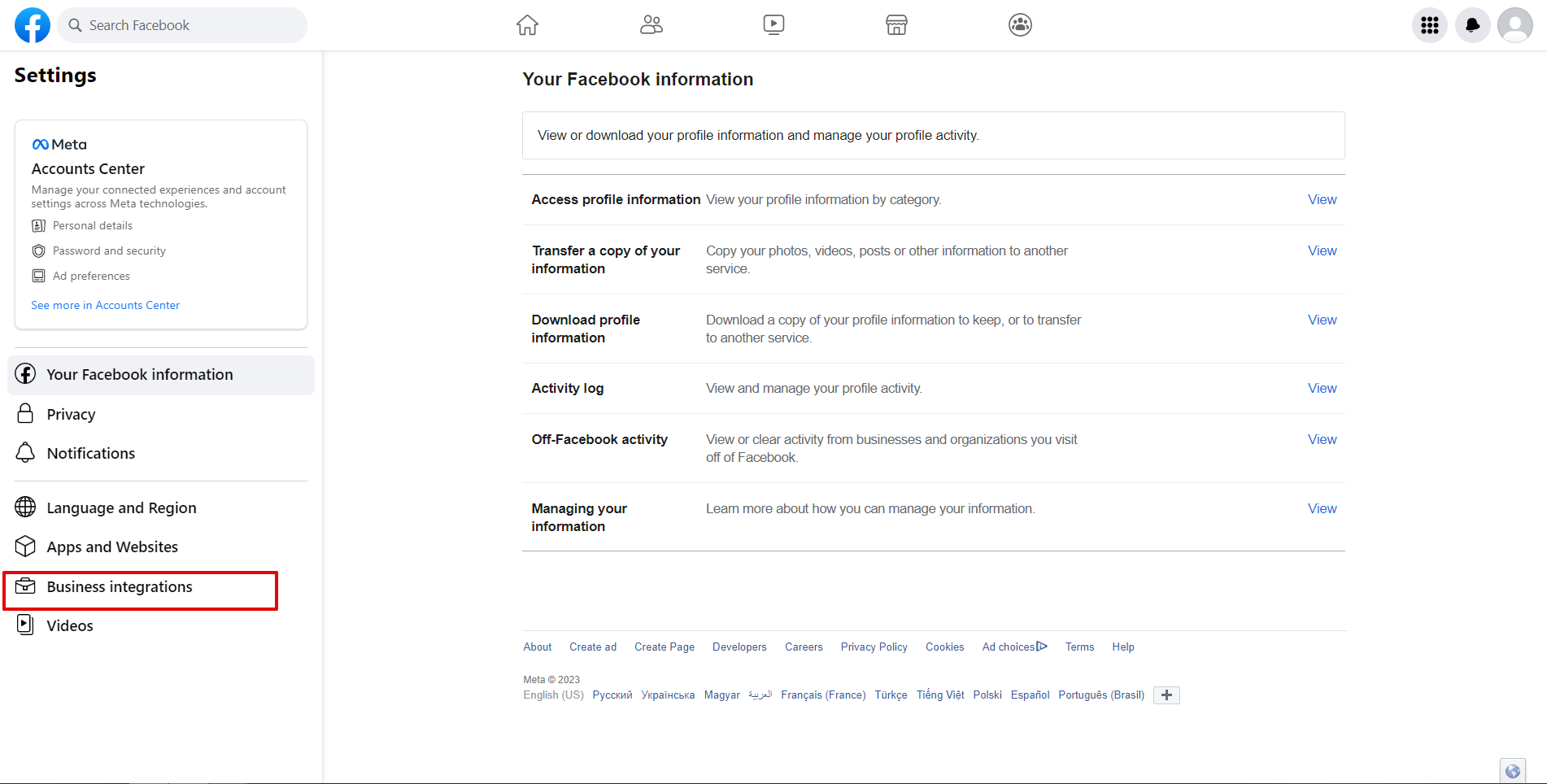
3. Go to your Facebook account under Settings and Privacy - Settings.
4. Go to Business Integrations.
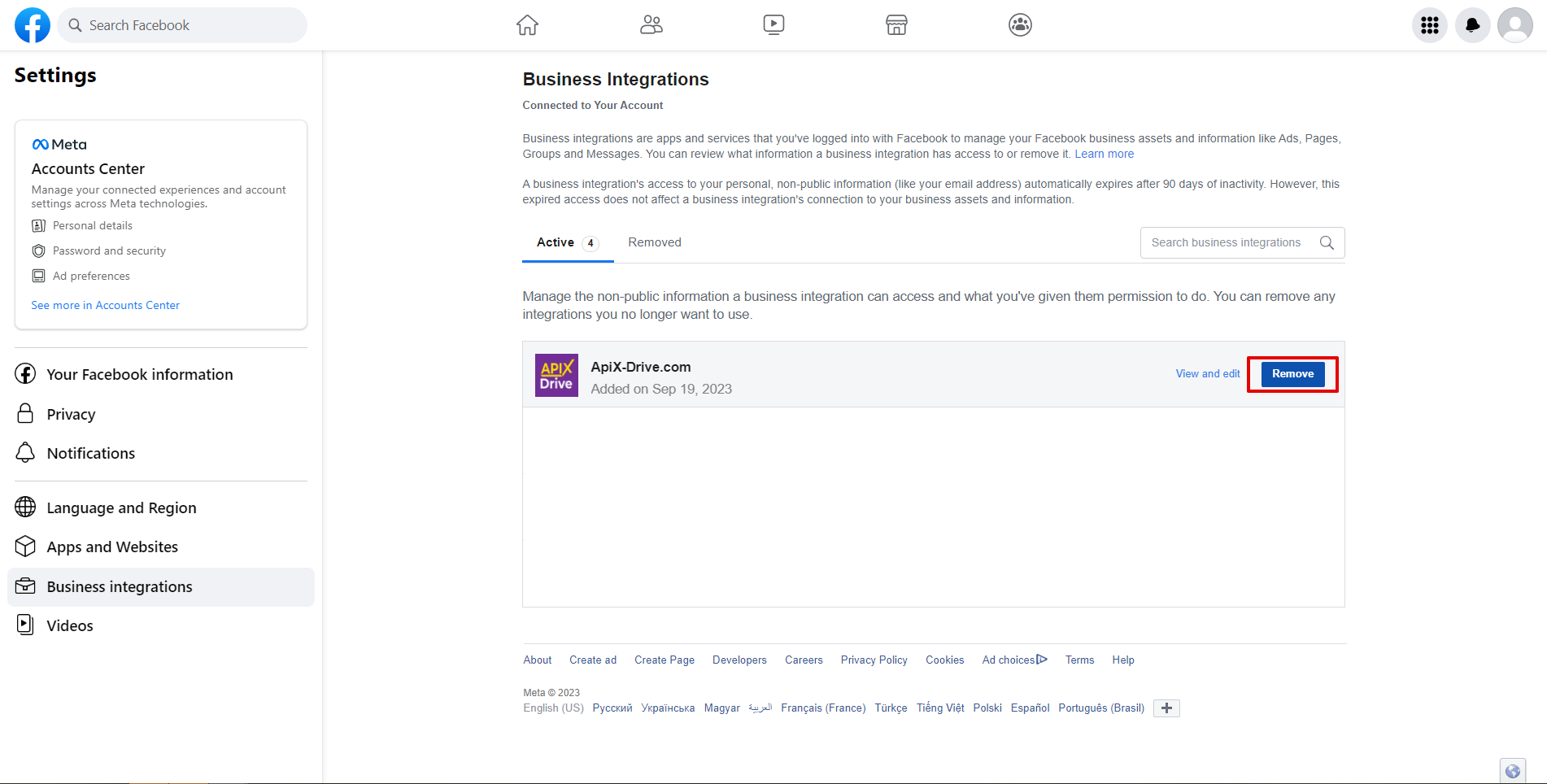
5. Remove the ApiX-Drive application.
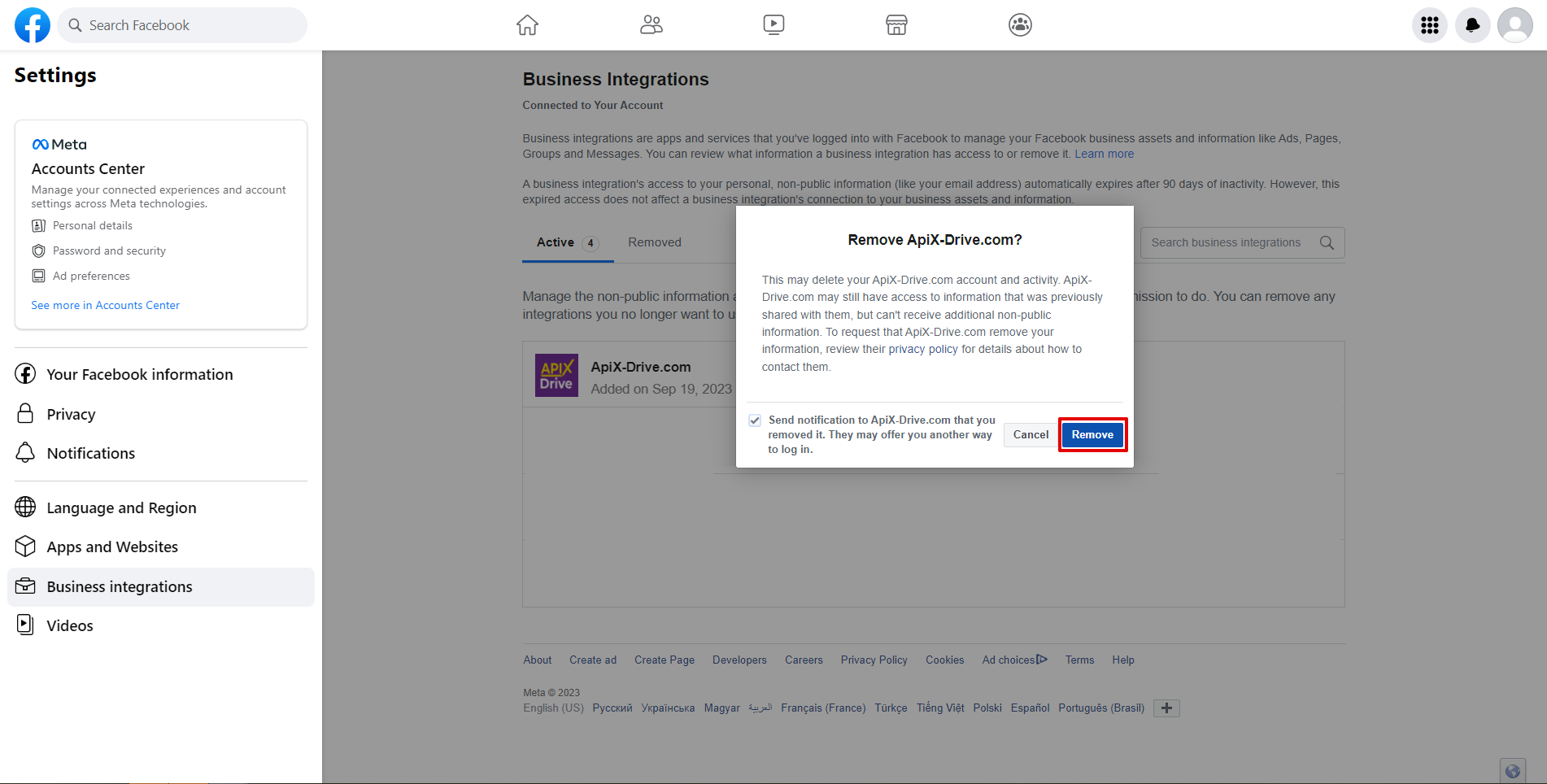
6. Go to the connection to the Access step in the Data Source and click “Connect Account”.
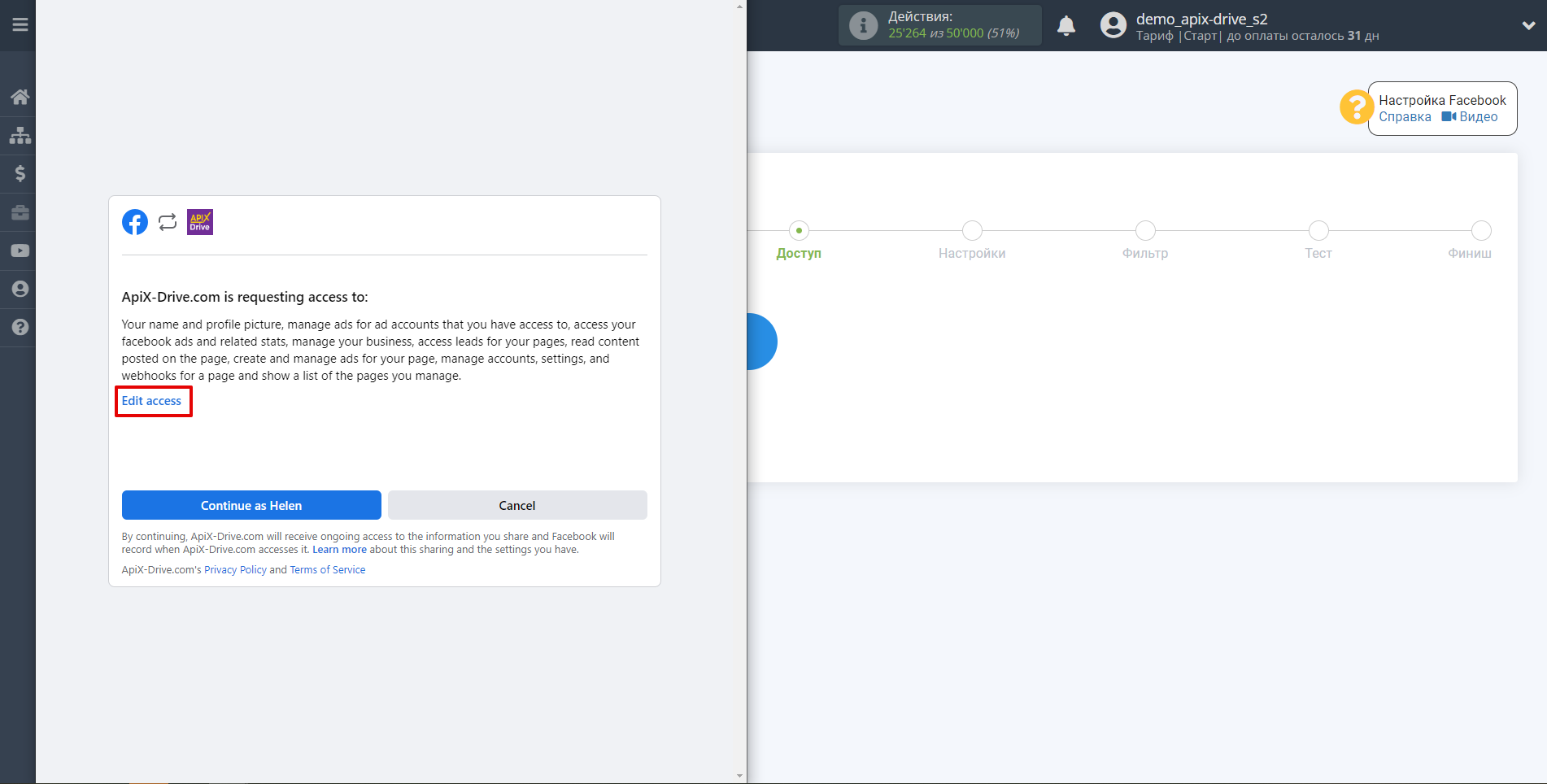
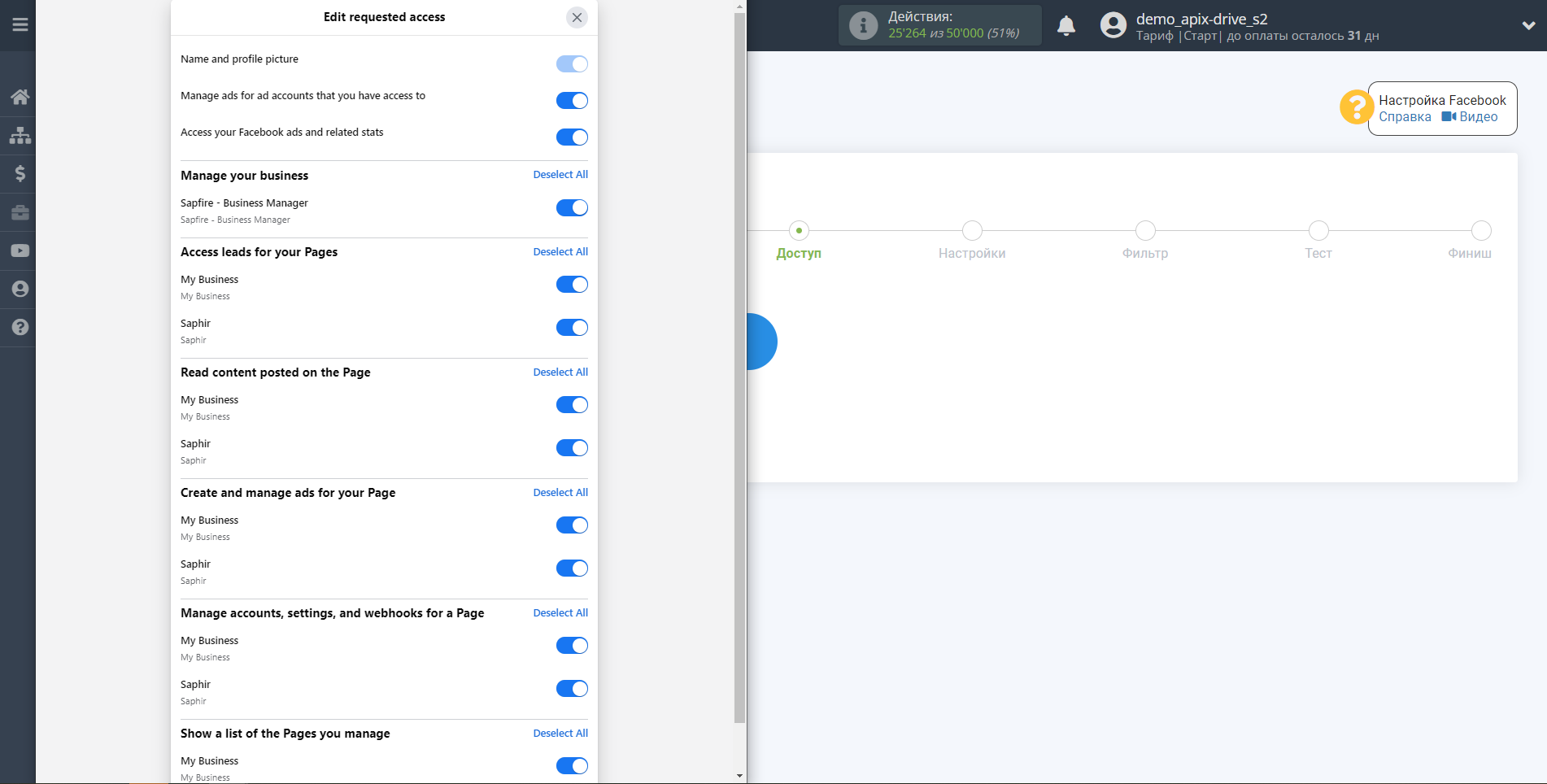
7. Go to Edit access when connecting and check the boxes for the required pages. Select all checkboxes.
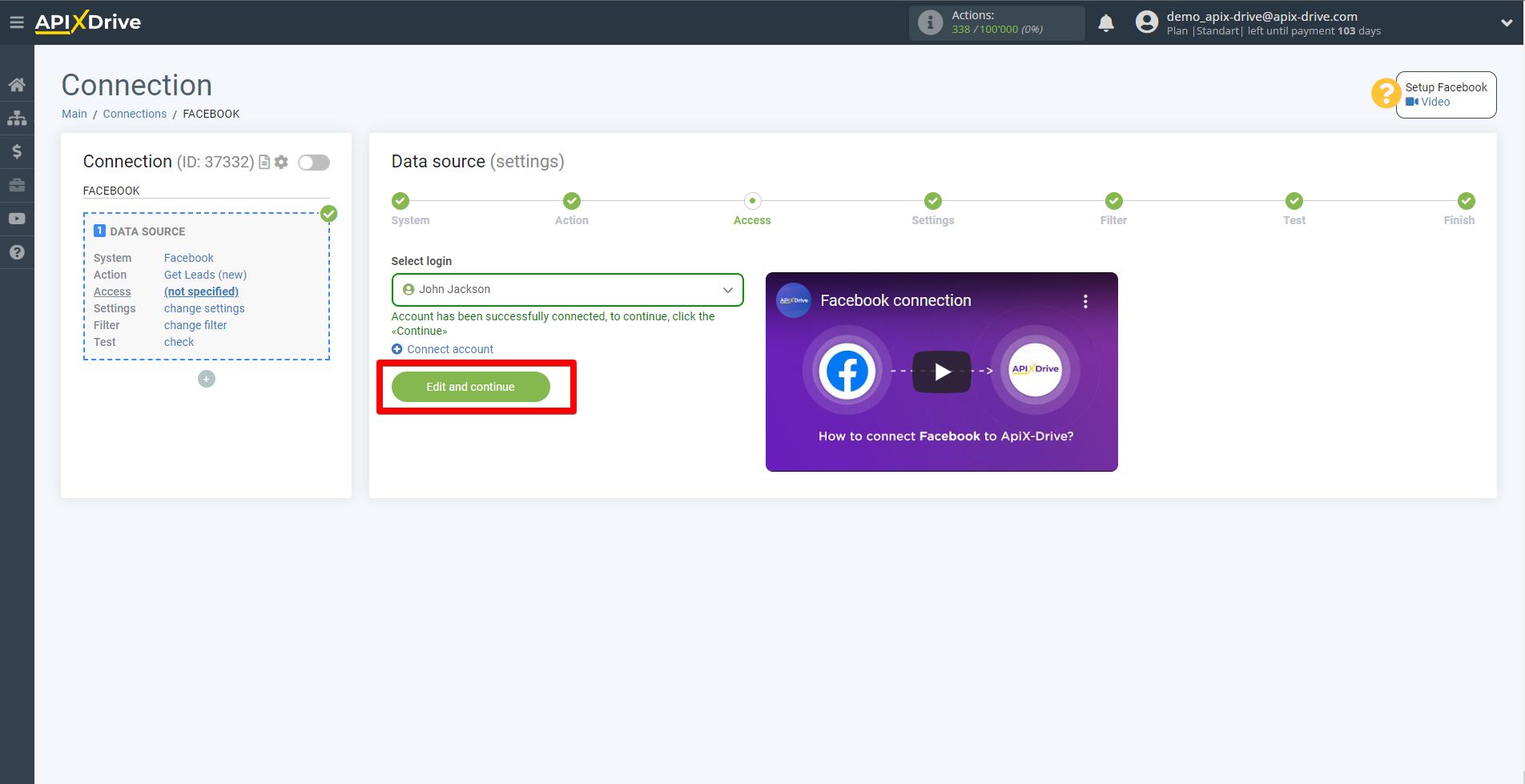
8. Click "Edit and Continue".
9. Select from the drop-down list the login of the account that you have just connected and reconfigure the Data Source.
10. Select the forms that will be uploaded leads, or select the option to upload all existing and new forms automatically.
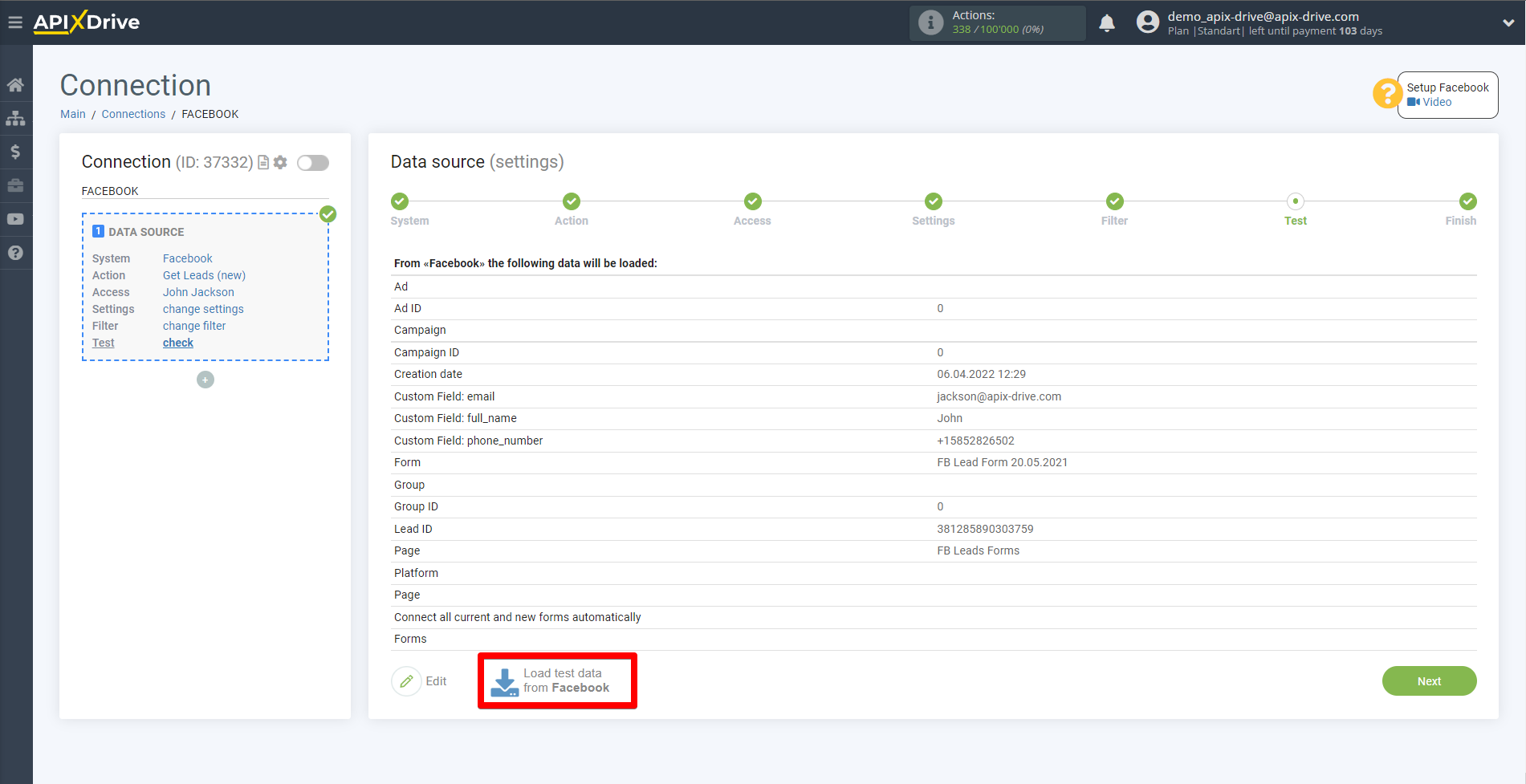
11. Load test data in the Test Check step.